How Freshers Can Use AI Coding Assistants to Learn Faster (Without Relying on Them)
AI coding assistants speed up boilerplate and debugging, but over-relying on them stalls core problem-solving. Use this practical framework to learn faster and stay interview-ready.
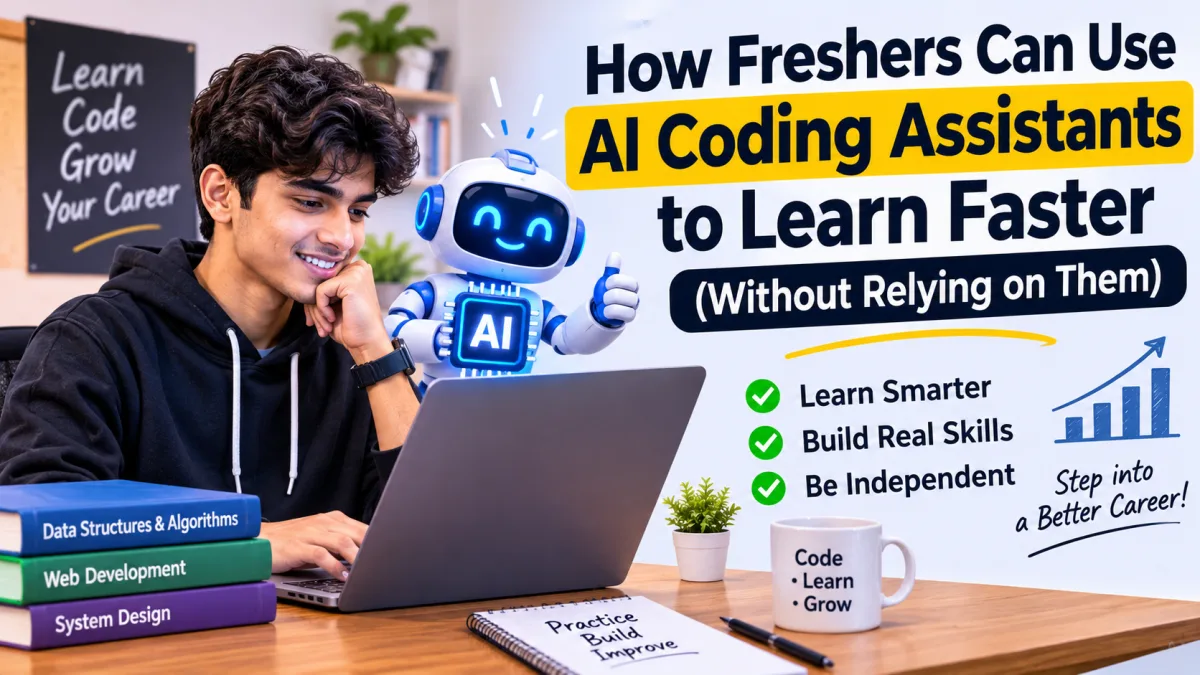
AI coding assistants are now part of everyday software engineering—sitting right inside code editors, terminals, and pull-request workflows. For computer science students and freshers preparing for internships and entry-level roles, tools like GitHub Copilot, Cursor, and conversational AI models can feel like having a 24/7 tutor. Yet there is a quiet trap many beginners fall into: accepting generated code before understanding how it works.
When you let an AI tool write every function, loop, or SQL query from scratch, you skip the mental friction that builds real engineering intuition. Worse, technical rounds increasingly test whether you can reason through code, spot edge-case bugs, and explain trade-offs on your own. If you want to use AI coding assistants for freshers as a genuine learning accelerator rather than a crutch, you need disciplined habits.
Why Over-Reliance Hurts Freshers in Tech Hiring
Modern coding tools do far more than basic autocomplete—they can scaffold full features, explain syntax, suggest refactors, and draft unit tests in seconds. Speed is helpful when you already understand the fundamentals, but dangerous when you are still learning how data structures, memory, asynchronous execution, or database indexes behave.
During campus placements, off-campus assessments, and live technical interviews, interviewers rarely care how fast you can paste a prompt. They look at whether you can break a problem down, trace variables step by step, handle null or boundary inputs, and debug unexpected failures. If your first instinct whenever a compiler error appears is to paste the stack trace and copy the fix blindly, your debugging muscle never develops.
5 Ways to Use AI Coding Assistants to Learn Faster
The smartest approach is to treat AI like a demanding mentor or pair-programming partner—one that quizzes you, explains concepts, and reviews your work—rather than a ghostwriter.
1. Attempt the Logic Yourself Before Asking for Help
Give yourself a focused window—say 20 to 30 minutes—to design your approach on paper or in comments before opening an AI chat. Write out the algorithm in plain English, list two or three edge cases, and try coding the first draft yourself. When you hit a wall, ask targeted questions about your specific bottleneck instead of asking for the full solution.
2. Use AI as a Concept Explainer and Analogy Builder
Stuck on recursion, closures, database normalization, or REST vs. GraphQL? Ask the assistant to explain the concept using a concrete example first, then walk through how it executes line by line. You can even ask it to compare two approaches—such as a hash map versus sorting for a lookup problem—so you understand time and space trade-offs rather than memorizing a single pattern.
3. Debug by Asking for Root Causes, Not Quick Patches
When your code throws an error or fails a test case, resist the urge to accept a one-line patch without reading why it happened. Share your code, the error message, and what you expected to happen, and ask: "Why did this fail on this input, and what assumption in my logic was wrong?" Once you understand the root cause, fix the code yourself.
4. Practice Code Review and Edge-Case Thinking
Flip the script by writing a working solution on your own and asking the AI to critique it. Ask it to point out readability issues, missing validation, potential security pitfalls, or edge cases you overlooked—such as empty arrays, duplicate records, or concurrent requests. Reviewing feedback critically sharpens the exact judgment engineers use in real code reviews.
5. Offload Repetitive Boilerplate Only After You Know the Pattern
Once you have manually built CRUD routes, form validations, or basic unit tests enough times to understand how they wire together, letting AI generate repetitive scaffolding saves real time. Even then, read every generated line carefully—AI models can occasionally invent non-existent library methods, subtle bugs, or insecure defaults.
A Simple Weekly Routine for Balanced Skill Growth
You do not have to ban AI tools to stay sharp; you just need clear boundaries between practice time and productivity time.
- DSA and core CS fundamentals: Solve problems with AI suggestions turned off or limited to hints after you finish your own attempt.
- Mini-projects and feature builds: Build core architecture yourself, use AI to explain unfamiliar APIs or generate test cases, and verify every output manually.
- Weekly self-audit: Pick one feature or algorithm you built that week and explain how it works—and where it could break—without looking at your editor or chat history.
Turn Your Practice Into an Interview-Ready Resume
Learning faster with AI only pays off if recruiters can see genuine proof of what you can build and solve. As you ship projects and practice coding problems, keep a clean log of the problems you solved, the architecture decisions you made, and the measurable outcomes of your work. Before applying to openings on our fresher job board, run your resume through the Tech Naukary ATS checker to make sure your skills and projects are clearly structured and easy for screening systems to parse.
Key Takeaways for Freshers
AI coding assistants are powerful study companions when you stay in the driver's seat. Struggling a little through unfamiliar logic, reading error traces carefully, and testing your own assumptions are not wasted minutes—they are how you become a reliable engineer. Pair disciplined self-study with structured career preparation guides, and you will move faster today while staying ready for every interview ahead.